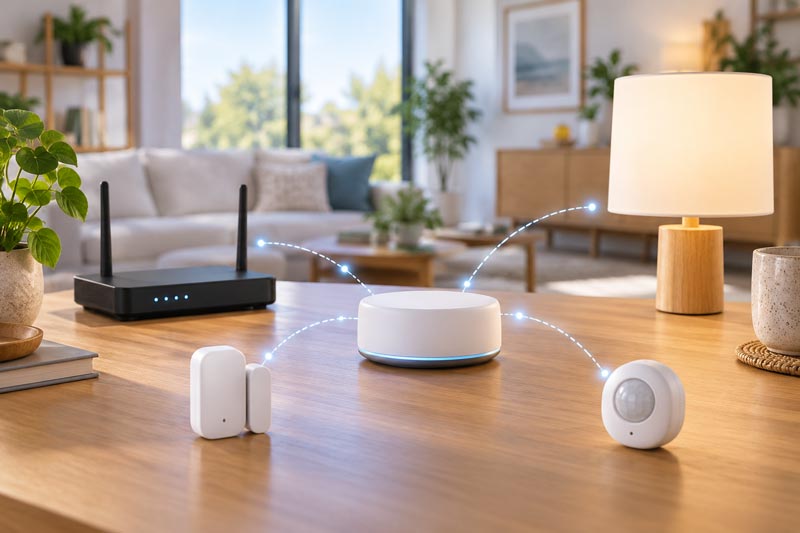
This practical course teaches participants how to build a reliable smart home system using different types and brands of devices. Students learn to evaluate compatibility, connect devices through Wi-Fi, Zigbee, Z-Wave, Thread, Bluetooth, and Matter, configure controllers and bridges, and test the system after internet or router interruptions.
Goal
Build a working system from different device types after checking the exact models and functions for compatibility.
Audience
EE-5 graduates, entry-level integrators, and owners of devices from more than one brand.
Proposed format
Eight 90-minute lessons, 12 instructional hours, using a training setup.
Lesson topics and hands-on tasks
- Define a home's requirements and map device, network, controller, and app; specify the conditions in which the system must work.
- Compare the roles of Wi-Fi, Zigbee, Z-Wave, Thread, and Bluetooth in the selected training setup; distinguish Matter interoperability from the underlying network technology.
- Review the exact devices' documentation, supported functions, controller requirements, and connection methods; build a compatibility matrix.
- Prepare a training network, account, and controller; add two devices and document the connection settings.
- Add another device type; determine whether the chosen hardware requires a Thread Border Router or a compatible bridge for a non-Matter device.
- Organize devices in the app by room and clear names; test the available functions and limitations.
- Test the system after internet loss and router or controller restart; document cloud dependencies in this particular setup.
- Final project: a setup with at least three devices, connection diagram, compatibility matrix, and actual test results.
Equipment
Training router, compatible controller, sensors and actuators of different types, chosen only after reviewing model documentation. A Thread Border Router or bridge is included only if the selected devices need one.
Outcome
Participants can justify a component set and demonstrate which functions actually work. A Matter label alone should not be presented as a guarantee that every function works in every app.
Sources and technical references
- T&M Atlantic EE-5 Basics of building smart home systems and remote control of household appliances
- Connectivity Standards Alliance Matter FAQ
- Connectivity Standards Alliance Why Bridging Matters
- NIST Seven Tips to Keep Your Smart Home Safer and More Private
Back to the section
|